



Social Media and Email Scams Rise Over 400% – Here’s How to Avoid Losing Money
Leave it in the comments section at the bottom of this article.
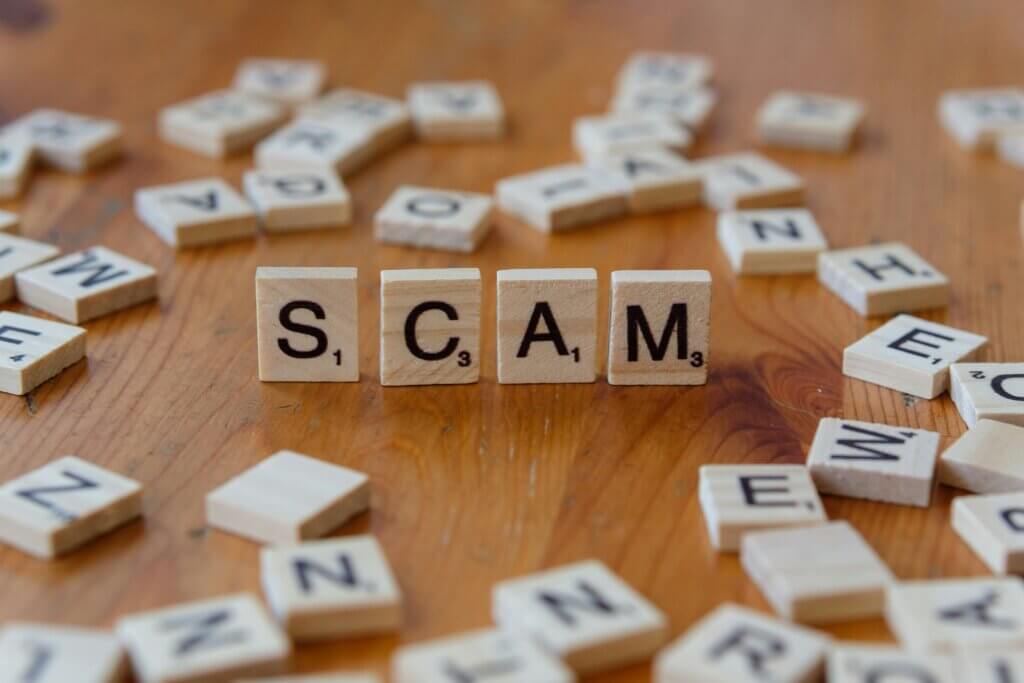
Scam victims losing money to criminals hacking into their emails and social media accounts surged by 417% in a year, new data from Report Fraud shows.
The total amount stolen through digital platforms hit £6.3m in the 2025-26 financial year, up from £1.2m in 2024-25 the fraud watchdog, run by the City of London police, found.
Hacking occurs when criminals get access to your email, social media, or another online platform to commit fraud without your permission.
They often pretend to be the owner of the account to steal money by holding it for ransom, selling fake tickets to their contacts or asking for bank transfers.
Online hacking is the most reported form of cybercrime in the UK, with the number of reports increasing by 34% compared to the previous year.
Other types of hacking reported include gaming and streaming account takeovers as well as travel and online delivery accounts.
How to protect yourself from hacking
Trying to keep your accounts as secure as possible is important to help avoid being hacked.
That typically starts with your account details and ensuring you have a strong password.
Setting up a 2-step verification, which usually involves adding a phone number to the account, can add an extra layer of security and help you spot when someone tries to hack your account more quickly.
Some accounts let you set up passkeys which are password-free logins that allow you to sign in using a PIN or your device’s fingerprint and face scan.
Be cautious of messages you receive from people you don’t know, especially if they ask for personal details or your account information.
What to do if you’ve been hacked
Dealing with your account being hacked can feel overwhelming.
If you suspect you’ve been hacked, it’s important to act quickly to help recover your account, track down the criminals and stop others from being affected. These steps include:
Contact the account provider: go to your account provider’s help or support page to report that your account has been hacked and the steps you need to recover your account.
Check your email settings: sometimes criminals set up “forwarding rules” which mean that they automatically receive a copy of all emails sent to your account. This could help them reset your passwords. check if any rules have been set up on your email, make a note of any forwarding email addresses added and delete them immediately.
Change your passwords: it’s important to change your password for any accounts that have been hacked. If you’ve used the password for multiple accounts, be sure to change those too as it could make them easier to target.
Log out: once your password’s changed, log out of the account from any devices that might be connected. You can usually do this in the privacy settings of the platform you’re using.
Tell your contacts: friends, family and anyone that could be affected know that your account has been hacked and not to reply to any messages sent through the platforms affected.
Check your bank statements: watch out for any suspicious purchases or unusual transactions made through your bank as it could be related to the hack and let your bank know immediately if you suspect a fraudulent transaction.
Report asap: Contact Report Fraud as soon as possible and make a report online or via telephone on 0300 123 2040. If you live in Scotland, you can report cybercrime directly to Police Scotland on 101.

Comments
Related News


Bond market turmoil – but there might be a silver lining for savers


Who would protect your pension? What each party is offering pensioners
What kind of investor are you?

































No comments yet. Be the first to share your thoughts!